
Set Up Your Own Security Lab & Find Vulnerabilities in 60 Days (Beginner Friendly)
SOC Case Learning
 Featured
About This Internship
Learn how cybersecurity professionals investigate suspicious activities, identify security risks, and solve real office-based security problems.
This 60-day online internship is designed for undergraduate students, fresh graduates, and beginners who want to understand how cybersecurity works in a real business environment.
Instead of focusing on software installation, system configuration, or setting up security labs, this internship focuses on practical investigation, evidence analysis, security reporting, and professional problem-solving.
What You Will Experience
Work through realistic cybersecurity scenarios inspired by everyday challenges faced by IT infrastructure and Security Operations Center (SOC) teams.
Your investigation journey includes:
-
Investigating suspicious outbound network traffic and unusual DNS activity.
-
Understanding hidden scheduled tasks and possible persistence mechanisms.
-
Analyzing authentication failures, suspicious scripts, and unusual system activity.
-
Connecting security alerts across multiple systems to investigate possible lateral movement.
-
Identifying potential root causes, security gaps, and business risks.
-
Preparing technical investigation reports and escalation summaries.
Learn with Mentor Support
Throughout the internship, a mentor will guide you through investigation scenarios, help you understand technical evidence, and explain how cybersecurity professionals approach security incidents.
You will learn to think beyond individual alerts, connect evidence, verify assumptions, and communicate your findings clearly.
What You Will Gain
By the end of the internship, you will be able to:
-
Understand the investigation process followed by cybersecurity teams.
-
Analyze logs, alerts, and incident evidence.
-
Identify suspicious behavior and potential security weaknesses.
-
Prepare structured technical investigation reports.
-
Recommend appropriate corrective actions and escalation steps.
Internship Details: 60 days | Online | Beginner-friendly | Mentor support | Certificate available
Build practical cybersecurity investigation skills through realistic office scenarios and learn how security professionals think, investigate, and make decisions.

Internship Overview
Internship Introduction
Step into the role of a cybersecurity investigation intern and experience how IT teams handle real office security problems. Over 60 days, investigate suspicious network traffic, unusual login attempts, hidden scheduled tasks, and possible security incidents. With mentor support, learn to analyze evidence, identify potential threats, and prepare technical investigation reports.
What Students Will Learn
Learn how to investigate suspicious DNS activity, authentication failures, hidden scheduled tasks, unusual system behavior, and possible lateral movement. Understand log analysis, evidence correlation, incident timelines, root-cause evaluation, security risk identification, and corrective action recommendations.
Real Work Exposure Details
Work through realistic cybersecurity incidents inspired by IT Infrastructure and SOC operations. Investigate unexpected outbound traffic, unauthorized scheduled tasks, suspicious authentication attempts, and possible movement between internal systems. Compare logs, monitoring alerts, timestamps, and technical evidence to understand potential threats and business impact.
Practical Learning Style
Learn through realistic office scenarios, evidence-based investigations, mentor-guided discussions, and practical reporting activities. Analyze provided security logs, alerts, scripts, and incident records. Connect technical clues, evaluate possible root causes, and recommend appropriate corrective actions. Each activity focuses on understanding real cybersecurity work
Beginner-Friendly Explanation
This internship is designed for beginners who want to understand cybersecurity through simple explanations and realistic office problems. Learn what security alerts mean, why suspicious activities matter, and how investigators identify possible threats. Technical concepts are explained step by step with mentor support, helping students build confidence in analyzing evidence
Who Can Apply?
This internship is open to students, fresh graduates, and beginners interested in cybersecurity and IT security operations. Students from technical and non-technical backgrounds can apply. No prior cybersecurity experience, coding knowledge, software installation, or system configuration skills are required. A basic understanding of computers, curiosity, logical thinking, and willingness to learn through realistic office scenarios are helpful.
Beginner Friendly
No prior experience required. Perfect for freshers and learners.
No Technical Background Needed
Anyone with a basic computer understanding can apply.
Education Eligibility
- 12th / HSC
- Diploma 1st Year
- Diploma 2nd Year
- Diploma Final Year
- Diploma Passout
- FYUG
- SYUG
- TYUG
- Undergraduate Passout
- BCA
- BSc IT
- BSc Computer Science
- BSc
- BCom
- BA
- BBA
- BMS
- BE
- BTech
- Graduate Passout
- Post Graduate
Internship Roadmap
Your Internship Learning Journey
Follow your week-by-week learning journey through this internship. Each week is designed to help you build skills, work on real-world tasks, and grow step by step.
- Step-by-step learning path
- Practical & real-world focused
- Build. Practice. Grow.
-
1
Week 1 
Cybersecurity Office Orientation & Incident Investigation Basics
Understand the role of a cybersecurity intern in an IT Infrastructure and SOC team. Learn how security incidents are reported, how evidence is collected, and why analysts must verify facts before making conclusions. Study the Day 1 suspicious outbound traffic case and identify the initial security concerns.
-
2
Week 2 
Investigating Suspicious Network Traffic & DNS Activity
Investigate unexpected outbound connections, repeated DNS requests, firewall alerts, and unusual traffic patterns. Compare timestamps and monitoring evidence to identify possible causes. Understand how analysts distinguish suspicious behavior from legitimate system activity and prepare an initial investigation summary.
-
3
Week 3 
Hidden Scheduled Tasks & Possible Persistence
Analyze the Day 2 case involving an unfamiliar cron job, suspicious shell script, external connections, and an unknown service account. Understand how unauthorized scheduled activity may continue over time. Learn to preserve evidence, compare activity records, and identify possible persistence mechanisms without executing unknown files.
-
4
Week 4 
Authentication Failures & Possible Lateral Movement
Investigate the Day 3 case involving repeated SSH authentication failures, suspicious scripts, unusual CPU activity, and possible movement between internal systems. Correlate evidence across multiple systems to identify suspicious patterns and assess whether the incident may have spread.
-
5
Week 5 
Security Evidence Correlation & Incident Timeline
Connect firewall logs, DNS activity, authentication records, monitoring alerts, and file activity. Build an incident timeline using timestamps and verified evidence. Learn to identify relationships between events, evaluate competing explanations, and distinguish confirmed findings from assumptions.
-
6
Week 6 
Root-Cause Analysis & Security Risk Assessment
Evaluate possible root causes of suspicious activity. Identify weak security practices, unauthorized activity, and potential business impact. Learn how to prioritize findings, recommend corrective actions, and explain technical risks in simple language to a manager or security team.
-
7
Week 7 
Technical Investigation Reports & Incident Escalation
Prepare professional investigation reports using evidence collected during the internship. Document suspicious activity, possible root causes, technical and business impact, corrective actions, and escalation summaries. Learn how to communicate findings clearly and support recommendations with verified evidence.
-
8
Week 8
Final Cybersecurity Case Review & Mentor Assessment
Complete a mentor-guided cybersecurity investigation using a realistic office-based case. Review evidence, build an incident timeline, identify potential risks, and prepare a final technical investigation report. Present findings, explain reasoning, respond to mentor feedback, and demonstrate professional investigation skills.
Internship Curriculum
Explore the modules, topics and learning resources covered in this internship.
1 Module 1: Cybersecurity Office Orientation & Suspicious Network Traffic Investigation 2 Topics
Topics Covered
- 1 Understanding Cybersecurity Office Work & SOC Operations
- 2 Investigating Strange Traffic Inside the Test Network
Module Notes Study material and additional references View Notes
Cybersecurity investigation begins with observation, evidence collection, and verification. In this module, students learn how SOC teams handle suspicious activities and why analysts must avoid assumptions. Through the Day 1 office scenario, students examine unexpected outbound traffic, DNS requests, firewall alerts, and system activity records. The focus is on understanding security evidence, identifying possible causes, and documenting findings clearly. No installation or configuration activities are included.
Module Assignments Hands-on exercises to practice your learning View Assignments
Assignment 1: Review the Day 1 suspicious network traffic case. Identify at least three possible root causes and classify each as a technical issue, security concern, or operational risk.
Assignment 2: Prepare an initial investigation summary containing the suspicious activity, relevant evidence, possible impact, and recommended next steps.
Assignment 3: Create a simple incident timeline using the available timestamps. Separate verified facts from assumptions and explain which additional evidence would help confirm the root cause.
2 Module 2: Investigating Hidden Scheduled Tasks & Suspicious System Activity 2 Topics
Topics Covered
- 1 Day 2 Case: Hidden Cron Job Inside the Lab Server
- 2 Understanding Persistence & Unauthorized Scheduled Activity
Module Notes Study material and additional references View Notes
Unauthorized scheduled tasks can allow suspicious activity to continue without continuous human involvement. This module uses the Day 2 office scenario to explain how analysts investigate unfamiliar cron jobs, hidden scripts, external connections, and unknown service accounts. Students learn to compare evidence, understand possible persistence mechanisms, and preserve investigation records. Unknown files must not be executed, and suspicious activity must not be removed before evidence is documented. The module focuses on analysis, not system configuration.
Module Assignments Hands-on exercises to practice your learning View Assignments
Assignment 1: Review the Day 2 case and identify at least three possible explanations for the suspicious scheduled activity.
Assignment 2: Prepare an evidence table containing the cron entry, script behavior, authentication activity, external connections, and affected systems.
Assignment 3: Develop a probable incident timeline. Explain whether the evidence supports a persistence concern, identify the possible security gaps, and recommend appropriate investigation and escalation steps.
3 Module 3: Investigating Suspicious Authentication & Possible Lateral Movement 2 Topics
Topics Covered
- 1 Understanding Authentication Failures & Internal Threat Movement
- 2 Day 3 Case: Suspicious Lateral Movement Alert
Module Notes Study material and additional references View Notes
Lateral movement refers to suspicious activity in which an attacker may attempt to move between systems after gaining access to one system. This module uses the Day 3 office scenario to explain how investigators analyze authentication failures, suspicious scripts, unusual CPU activity, and monitoring alerts. Students learn to correlate evidence across systems, identify possible compromise sequences, and assess operational impact. The emphasis is on evidence-based investigation and reporting, not executing attacks or changing system configurations.
Module Assignments Hands-on exercises to practice your learning View Assignments
Assignment 1: Review the Day 3 case and identify at least three possible root causes of the suspicious internal activity.
Assignment 2: Correlate the available SSH logs, authentication failures, Bash history, CPU alerts, and SIEM records. Prepare an incident timeline showing how the activity may have progressed.
Assignment 3: Prepare a technical investigation report identifying possible compromised systems, security gaps, technical and business impact, recommended corrective actions, and an escalation summary for the mentor.
4 Module 4: Journey: Practical activity and skill progression for Day 4. 1 Topics
Topics Covered
- 1 Journey: Practical activity and skill progression for Day 4.
5 Module 5: Journey: Practical activity and skill progression for Day 5. 1 Topics
Topics Covered
- 1 Journey: Practical activity and skill progression for Day 5.
6 Module 6: Journey: Practical activity and skill progression for Day 6. 1 Topics
Topics Covered
- 1 Journey: Practical activity and skill progression for Day 6.
7 Module 7: Journey: Practical activity and skill progression for Day 7. 1 Topics
Topics Covered
- 1 Journey: Practical activity and skill progression for Day 7.
8 Module 8: Journey: Practical activity and skill progression for Day 8. 1 Topics
Topics Covered
- 1 Journey: Practical activity and skill progression for Day 8.
9 Module 9: Journey: Practical activity and skill progression for Day 9. 1 Topics
Topics Covered
- 1 Journey: Practical activity and skill progression for Day 9.
10 Module 10: Journey: Practical activity and skill progression for Day 10. 1 Topics
Topics Covered
- 1 Journey: Practical activity and skill progression for Day 10.
11 Module 11: Journey: Practical activity and skill progression for Day 11. 1 Topics
Topics Covered
- 1 Journey: Practical activity and skill progression for Day 11.
12 Module 12: Journey: Practical activity and skill progression for Day 12. 1 Topics
Topics Covered
- 1 Journey: Practical activity and skill progression for Day 12.
13 Module 13: Journey: Practical activity and skill progression for Day 13. 1 Topics
Topics Covered
- 1 Journey: Practical activity and skill progression for Day 13.
14 Module 14: Journey: Practical activity and skill progression for Day 14. 1 Topics
Topics Covered
- 1 Journey: Practical activity and skill progression for Day 14.
15 Module 15: Journey: Practical activity and skill progression for Day 15. 1 Topics
Topics Covered
- 1 Journey: Practical activity and skill progression for Day 15.
16 Module 16: Journey: Practical activity and skill progression for Day 16. 1 Topics
Topics Covered
- 1 Journey: Practical activity and skill progression for Day 16.
17 Module 17: Journey: Practical activity and skill progression for Day 17. 1 Topics
Topics Covered
- 1 Journey: Practical activity and skill progression for Day 17.
18 Module 18: Journey: Practical activity and skill progression for Day 18. 1 Topics
Topics Covered
- 1 Journey: Practical activity and skill progression for Day 18.
19 Module 19: Journey: Practical activity and skill progression for Day 19. 1 Topics
Topics Covered
- 1 Journey: Practical activity and skill progression for Day 19.
20 Module 20: Journey: Practical activity and skill progression for Day 20. 1 Topics
Topics Covered
- 1 Journey: Practical activity and skill progression for Day 20.
21 Module 21: Journey: Practical activity and skill progression for Day 21. 1 Topics
Topics Covered
- 1 Journey: Practical activity and skill progression for Day 21.
22 Module 22: Journey: Practical activity and skill progression for Day 22. 1 Topics
Topics Covered
- 1 Journey: Practical activity and skill progression for Day 22.
23 Module 23: Journey: Practical activity and skill progression for Day 23. 1 Topics
Topics Covered
- 1 Journey: Practical activity and skill progression for Day 23.
24 Module 24: Journey: Practical activity and skill progression for Day 24. 1 Topics
Topics Covered
- 1 Journey: Practical activity and skill progression for Day 24.
25 Module 25: Journey: Practical activity and skill progression for Day 25. 1 Topics
Topics Covered
- 1 Journey: Practical activity and skill progression for Day 25.
26 Module 26: Journey: Practical activity and skill progression for Day 26. 1 Topics
Topics Covered
- 1 Journey: Practical activity and skill progression for Day 26.
27 Module 27: Journey: Practical activity and skill progression for Day 27. 1 Topics
Topics Covered
- 1 Journey: Practical activity and skill progression for Day 27.
28 Module 28: Journey: Practical activity and skill progression for Day 28. 1 Topics
Topics Covered
- 1 Journey: Practical activity and skill progression for Day 28.
29 Module 29: Journey: Practical activity and skill progression for Day 29. 1 Topics
Topics Covered
- 1 Journey: Practical activity and skill progression for Day 29.
30 Module 30: Journey: Practical activity and skill progression for Day 30. 1 Topics
Topics Covered
- 1 Journey: Practical activity and skill progression for Day 30.
31 Module 31: Journey: Practical activity and skill progression for Day 31. 1 Topics
Topics Covered
- 1 Journey: Practical activity and skill progression for Day 31.
32 Module 32: Journey: Practical activity and skill progression for Day 32. 1 Topics
Topics Covered
- 1 Journey: Practical activity and skill progression for Day 32.
33 Module 33: Journey: Practical activity and skill progression for Day 33. 1 Topics
Topics Covered
- 1 Journey: Practical activity and skill progression for Day 33.
34 Module 34: Journey: Practical activity and skill progression for Day 34. 1 Topics
Topics Covered
- 1 Journey: Practical activity and skill progression for Day 34.
35 Module 35: Journey: Practical activity and skill progression for Day 35. 1 Topics
Topics Covered
- 1 Journey: Practical activity and skill progression for Day 35.
36 Module 36: Journey: Practical activity and skill progression for Day 36. 1 Topics
Topics Covered
- 1 Journey: Practical activity and skill progression for Day 36.
37 Module 37: Journey: Practical activity and skill progression for Day 37. 1 Topics
Topics Covered
- 1 Journey: Practical activity and skill progression for Day 37.
38 Module 38: Journey: Practical activity and skill progression for Day 38. 1 Topics
Topics Covered
- 1 Journey: Practical activity and skill progression for Day 38.
39 Module 39: Journey: Practical activity and skill progression for Day 39. 1 Topics
Topics Covered
- 1 Journey: Practical activity and skill progression for Day 39.
40 Module 40: Journey: Practical activity and skill progression for Day 40. 1 Topics
Topics Covered
- 1 Journey: Practical activity and skill progression for Day 40.
41 Module 41: Journey: Practical activity and skill progression for Day 41. 1 Topics
Topics Covered
- 1 Journey: Practical activity and skill progression for Day 41.
42 Module 42: Journey: Practical activity and skill progression for Day 42. 1 Topics
Topics Covered
- 1 Journey: Practical activity and skill progression for Day 42.
43 Module 43: Journey: Practical activity and skill progression for Day 43. 1 Topics
Topics Covered
- 1 Journey: Practical activity and skill progression for Day 43.
44 Module 44: Journey: Practical activity and skill progression for Day 44. 1 Topics
Topics Covered
- 1 Journey: Practical activity and skill progression for Day 44.
45 Module 45: Journey: Practical activity and skill progression for Day 45. 1 Topics
Topics Covered
- 1 Journey: Practical activity and skill progression for Day 45.
46 Module 46: Journey: Practical activity and skill progression for Day 46. 1 Topics
Topics Covered
- 1 Journey: Practical activity and skill progression for Day 46.
47 Module 47: Journey: Practical activity and skill progression for Day 47. 1 Topics
Topics Covered
- 1 Journey: Practical activity and skill progression for Day 47.
48 Module 48: Journey: Practical activity and skill progression for Day 48. 1 Topics
Topics Covered
- 1 Journey: Practical activity and skill progression for Day 48.
49 Module 49: Journey: Practical activity and skill progression for Day 49. 1 Topics
Topics Covered
- 1 Journey: Practical activity and skill progression for Day 49.
50 Module 50: Journey: Practical activity and skill progression for Day 50. 1 Topics
Topics Covered
- 1 Journey: Practical activity and skill progression for Day 50.
51 Module 51: Journey: Practical activity and skill progression for Day 51. 1 Topics
Topics Covered
- 1 Journey: Practical activity and skill progression for Day 51.
52 Module 52: Journey: Practical activity and skill progression for Day 52. 1 Topics
Topics Covered
- 1 Journey: Practical activity and skill progression for Day 52.
53 Module 53: Journey: Practical activity and skill progression for Day 53. 1 Topics
Topics Covered
- 1 Journey: Practical activity and skill progression for Day 53.
54 Module 54: Journey: Practical activity and skill progression for Day 54. 1 Topics
Topics Covered
- 1 Journey: Practical activity and skill progression for Day 54.
55 Module 55: Journey: Practical activity and skill progression for Day 55. 1 Topics
Topics Covered
- 1 Journey: Practical activity and skill progression for Day 55.
56 Module 56: Journey: Practical activity and skill progression for Day 56. 1 Topics
Topics Covered
- 1 Journey: Practical activity and skill progression for Day 56.
57 Module 57: Journey: Practical activity and skill progression for Day 57. 1 Topics
Topics Covered
- 1 Journey: Practical activity and skill progression for Day 57.
58 Module 58: Journey: Practical activity and skill progression for Day 58. 1 Topics
Topics Covered
- 1 Journey: Practical activity and skill progression for Day 58.
59 Module 59: Journey: Practical activity and skill progression for Day 59. 1 Topics
Topics Covered
- 1 Journey: Practical activity and skill progression for Day 59.
Tools & Technologies
Industry-relevant tools, technologies and platforms you will work with during this internship.
Tools
- Android Studio
- Docker
Technologies
- Angular
- CSS
Platforms
- AWS Cloud
- Azure
Practical Projects
Work on real-world projects and build a strong portfolio with industry-relevant practicals.
Cybersecurity Incident Investigation: From Suspicious Traffic to Possible Lateral Movement
Investigate a simulated office security incident involving suspicious outbound traffic, hidden scheduled tasks, and possible lateral movement. Analyze the provided firewall logs, DNS records, authentication failures, Bash history, cron job evidence, and SIEM alerts. Correlate events across systems, identify possible root causes, assess technical and business risks, and prepare a professional investigation report with recommended corrective actions and an escalation summary for the mentor.
Workflow Simulations
Experience real workplace situations, investigate problems, examine evidence, and learn how professionals approach everyday challenges.
Investigate Suspicious Traffic, Hidden Persistence, and Possible Lateral Movement
Office Situation
A security team notices repeated DNS requests to an unknown domain from a test Ubuntu machine. The traffic continues after a restart. Investigators then find an unapproved scheduled task and shell script making external connections. Later, failed SSH attempts and unusual CPU activity appear across internal test machines. The team must determine whether the alerts are connected and assess the risk to its training environment.
Problem Statement
The team has multiple alerts but no confirmed cause. Students must investigate the evidence without deleting files, running unknown scripts, or assuming that every alert proves compromise. They must establish a likely sequence of events, identify affected systems and security gaps, and explain the possible operational impact.
Evidence File
Examine the evidence carefully. Click the image to view it in full size.
Your Task
Review the evidence, build a timestamped incident timeline, and compare the DNS activity, scheduled task, external connections, authentication failures, and CPU spikes. List at least three possible root causes, identify the most likely cause with supporting evidence, assess affected systems and business risks, and prepare a technical investigation report with recommended corrective actions and an escalation summary.
Expected Solution
A clear investigation report that distinguishes confirmed facts from assumptions; includes an evidence table and probable incident sequence; identifies possible persistence and lateral movement; lists three or more root causes and justifies the most likely one; explains technical and operational impact; and recommends evidence-preserving corrective actions and escalation. Students should not claim a confirmed compromise unless the supplied evidence supports it.
Web Application Input Flaw Triaging
Office Situation
Web Application Input Flaw Triaging
Problem Statement
Web Application Input Flaw Triaging
Evidence File
Examine the evidence carefully. Click the image to view it in full size.
Your Task
Web Application Input Flaw Triaging
Expected Solution
Web Application Input Flaw Triaging
Unpatched Service CVSS Scoring & Escalation
Office Situation
Unpatched Service CVSS Scoring & Escalation
Problem Statement
Unpatched Service CVSS Scoring & Escalation
Evidence File
Examine the evidence carefully. Click the image to view it in full size.
Your Task
Unpatched Service CVSS Scoring & Escalation
Expected Solution
Unpatched Service CVSS Scoring & Escalation
Independent Security Audit of Staging Server
Office Situation
Independent Security Audit of Staging Server
Problem Statement
Independent Security Audit of Staging Server
Evidence File
Examine the evidence carefully. Click the image to view it in full size.
Your Task
Independent Security Audit of Staging Server
Expected Solution
Independent Security Audit of Staging Server
Assignement and Assessments.
Complete all assignments and assessments to successfully finish this internship.
Cybersecurity Incident Investigation & Reporting
Investigate a simulated office security incident using the supplied case evidence: suspicious DNS and outbound traffic, an unapproved scheduled task, authentication logs, and monitoring alerts. Build an incident timeline, distinguish verified facts from assumptions, identify possible root causes, assess technical and business impact, and recommend evidence-preserving corrective actions. Submit a clear investigation report and escalation summary. No installation or configuration is required.
2. MCQ Test
Test your theoretical understanding.
A short knowledge check on log analysis, DNS and outbound traffic, scheduled-task persistence, SSH authentication alerts, evidence preservation, root-cause analysis, and incident reporting. Questions should use the internship case scenarios and test reasoning—not tool installation or system configuration.
3. Practical Assessment
Apply your skills to a practical task.
Review a supplied set of sanitized incident logs and alerts. Create a timeline, identify suspicious indicators, list at least three possible root causes, justify the most likely cause, assess affected systems and operational risks, and submit a concise investigation report with recommended actions. Assessment is based on evidence analysis and reporting, not live system changes.
4. Passing Score
Understand the passing requirements.
70% recommended. Students should also submit the practical investigation report and meet the evidence-based reporting criteria. Treat this as a proposed assessment threshold, not a confirmed existing platform setting.
Key Benefits
Here are the key benefits you will gain from this internship. Build real skills, get practical experience, and move closer to your career goals.
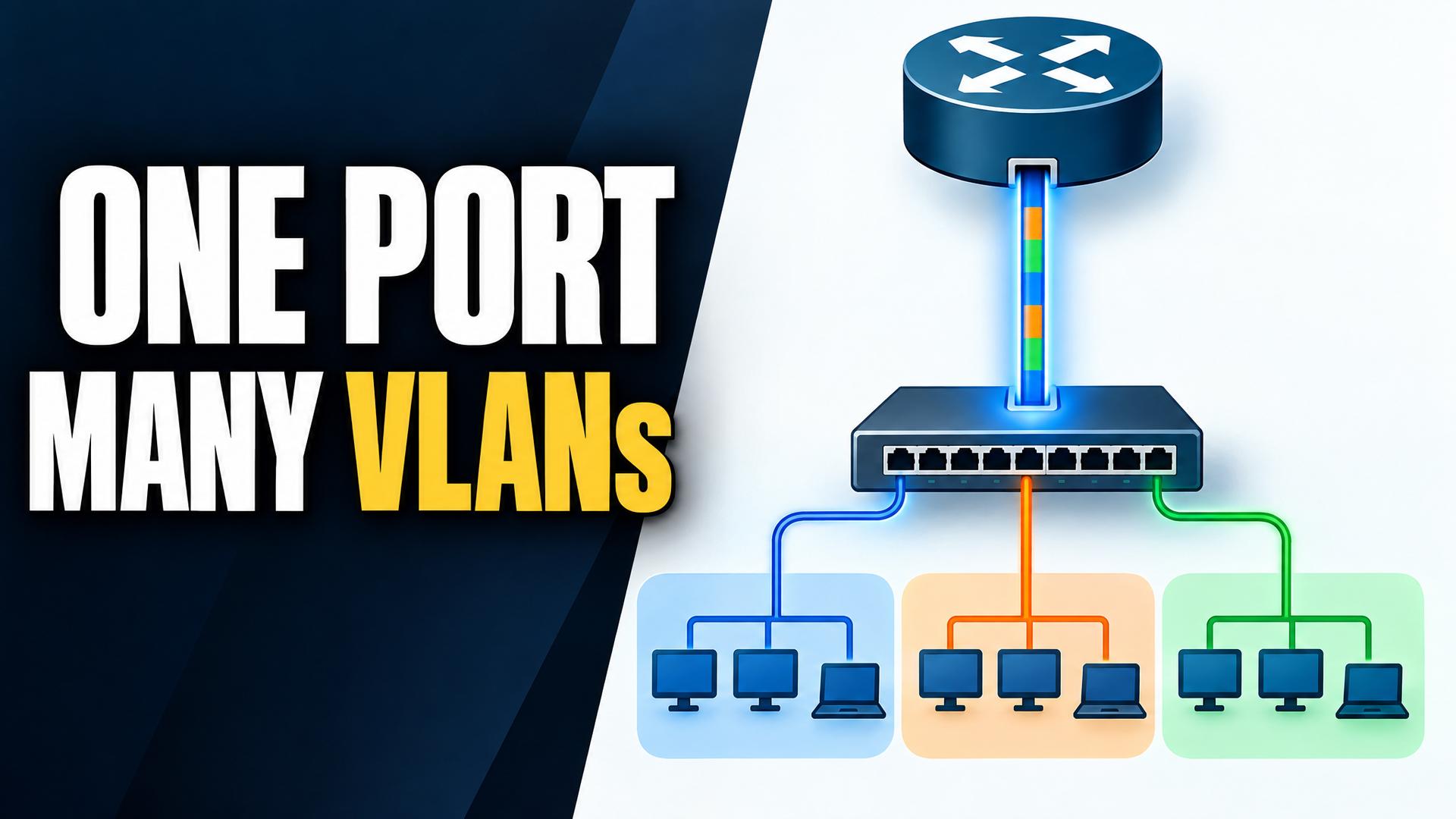
Investigate Office-Style Security Incidents
Work through guided, simulated office scenarios involving suspicious DNS traffic, unapproved scheduled tasks, unusual account activity, and possible movement between systems. Learn to examine evidence and avoid jumping to conclusions.
Learn to Read Security Logs and Alerts
Review firewall, DNS, authentication, monitoring, and SIEM evidence. Compare timestamps and activity patterns to understand what an alert may indicate and what still needs verification.

Build an Evidence-Based Incident Timeline
Organize findings into a clear sequence of events. Separate confirmed facts from assumptions and connect related alerts without treating every suspicious event as proof of compromise.
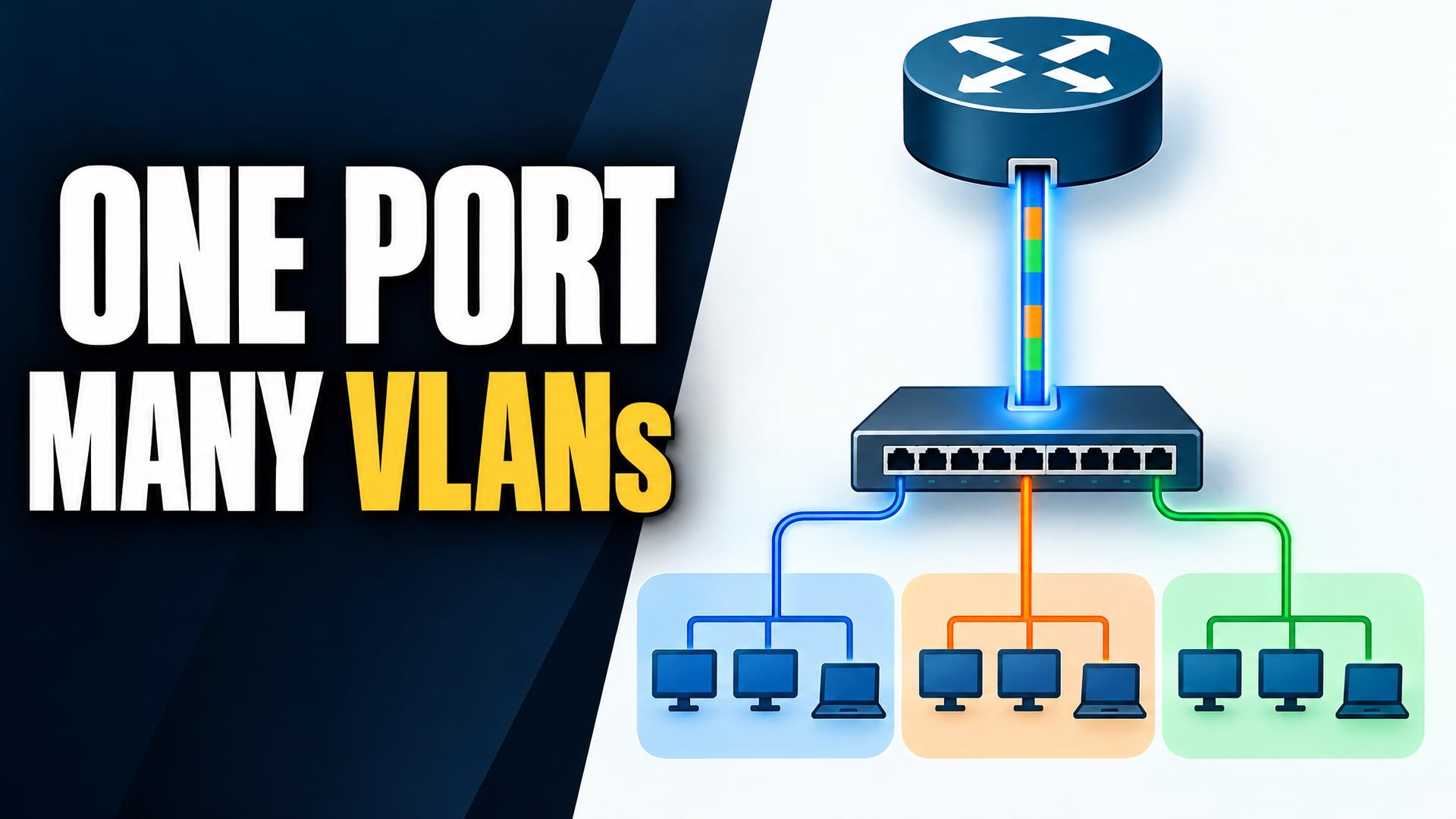
Practice Root-Cause and Impact Analysis
Identify possible causes, justify the most likely explanation using available evidence, and describe potential technical and business impact on systems and daily operations.
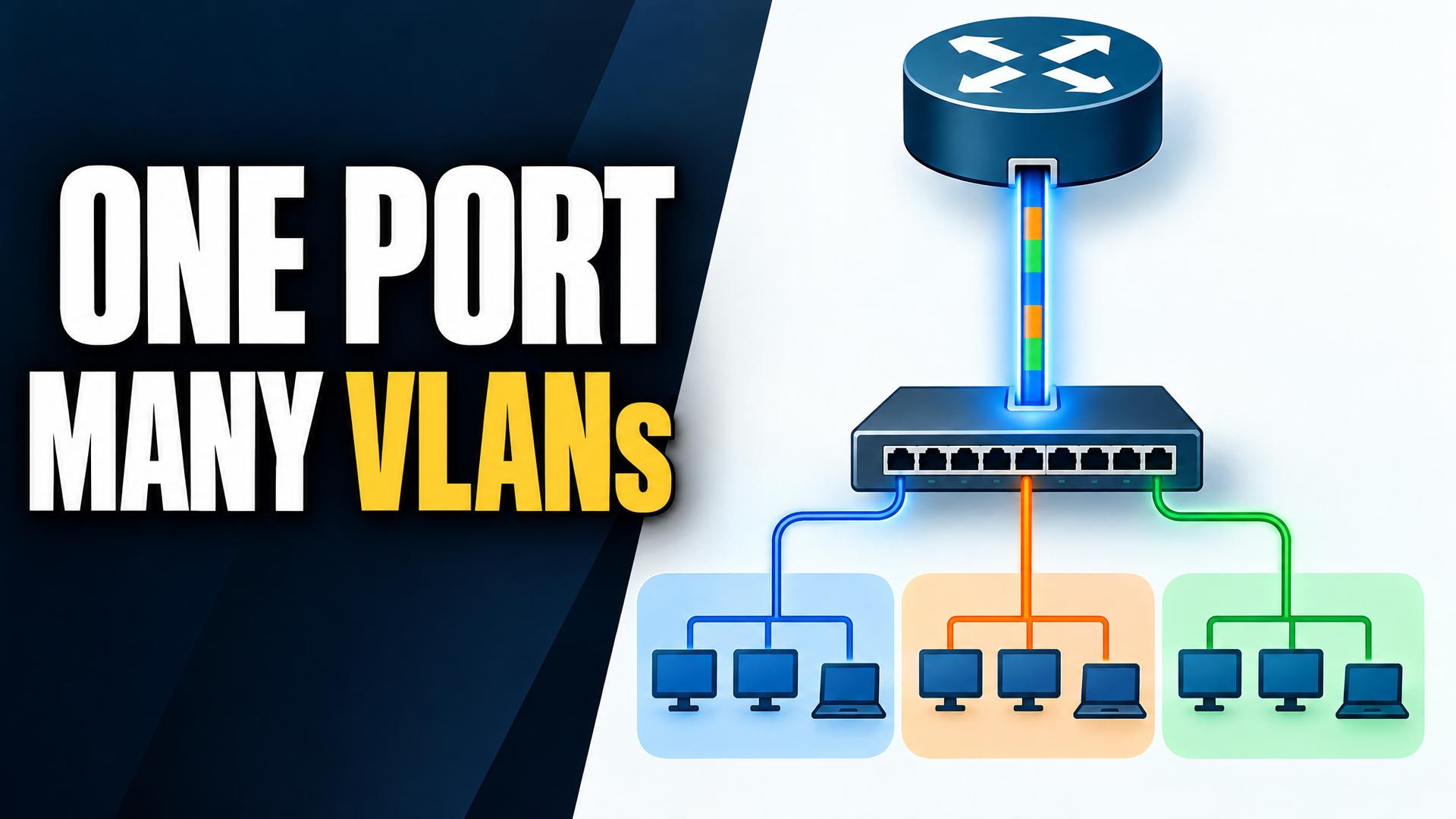
Prepare Clear Investigation Reports
Create a technical investigation report with findings, evidence, likely attack sequence, recommended corrective actions, and an escalation summary for a manager or security team.
Learn Evidence Preservation and Safe Investigation Habits
Practice documenting suspicious files and activity without casually executing unknown files or deleting evidence. Focus on careful review, verification, and appropriate escalation—not system installation or configuration.
Frequently Asked Questions
Find answers to the most common questions about this internship.
What will I work on during this 60-day Cyber Security Internship?
You will work through mentor-guided, simulated office scenarios involving suspicious network activity, scheduled tasks, authentication alerts, and possible movement between systems. You will review evidence, build timelines, assess possible causes and impact, and prepare investigation reports.
Do I need to install or configure software for this internship?
No. This internship does not include software installation or system configuration tasks. The focus is on reviewing provided scenario evidence, investigating alerts, documenting findings, and preparing reports.
What will I submit or prepare during the internship?
You will prepare investigation notes and technical reports that include a timeline, evidence-based findings, possible root causes, likely explanation with justification, potential impact, recommended corrective actions, and an escalation summary.
Will I receive mentor support?
Yes. The internship is designed with mentor support to guide your investigation approach, help you review evidence, and improve the clarity and reasoning in your reports.
Do I need prior professional cybersecurity experience?
No professional experience is assumed. You should be ready to review technical information carefully, ask questions, follow the scenario instructions, and explain your findings using evidence.
Does completing this internship guarantee a job or placement?
No. Completing the internship does not guarantee a job, placement, or employment offer. It is intended to help you practice cybersecurity investigation and reporting tasks.
Certificates & Documents
Complete the internship and earn certificates that add real value to your career.
Internship Certificate
Shareable certificate to boost your professional profile
Internship Completion Letter
Official experience letter for your academic & career growth
Completion Rules
Follow these requirements to earn your certificate & letter
Use these as proposed rules; adjust the attendance or submission thresholds to match your actual internship policy.
-
Complete the assigned internship activities and scenario-based tasks.
-
Submit the required investigation work for the assigned office-style cybersecurity scenarios, including evidence review, incident timeline, findings, possible root causes, impact assessment, and recommended actions.
-
Submit a final technical investigation report and escalation summary.
-
Keep findings evidence-based, clearly separating verified facts from assumptions.
-
Follow safe investigation practices: do not casually execute unknown files, delete evidence, or make unauthorized system changes.
-
Complete the mentor review and address any required corrections to submitted work.
-
Meet the internship’s published attendance and submission deadlines, if applicable.